- Zig 100%
| Filename | Latest commit message | Latest commit date |
|---|---|---|
 f16f07fa26
Previously, beansprout used std.process.Child.spawn without ever calling wait(), leaving exited children as zombies. This commit switches to a double-fork based off river-classic's spawn handling, where the actual spawned process gets orphaned and reparented to PID 1. This way, the parent (i.e. beansprout) only has to wait for the intermediate child. Also switch tokenizeShell and expandTilde to produce [:0]const u8 tokens so the argv array for execvpeZ can be built without copying each string. Fixes: #12 |
||
| .forgejo/issue_template | ||
| docs | ||
| examples | ||
| LICENSES | ||
| man | ||
| protocol | ||
| src | ||
| .gitignore | ||
| build.zig | ||
| build.zig.zon | ||
| README.md | ||
| REUSE.toml | ||
beansprout
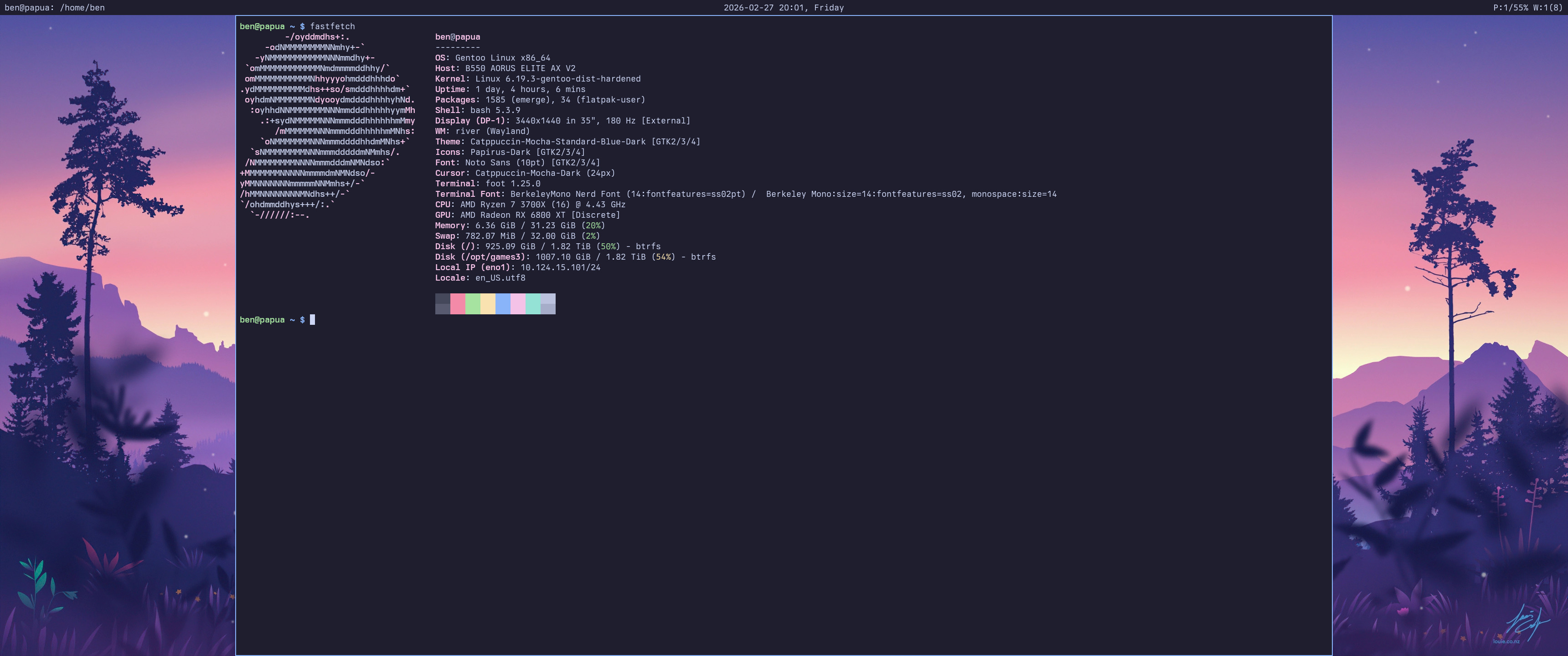
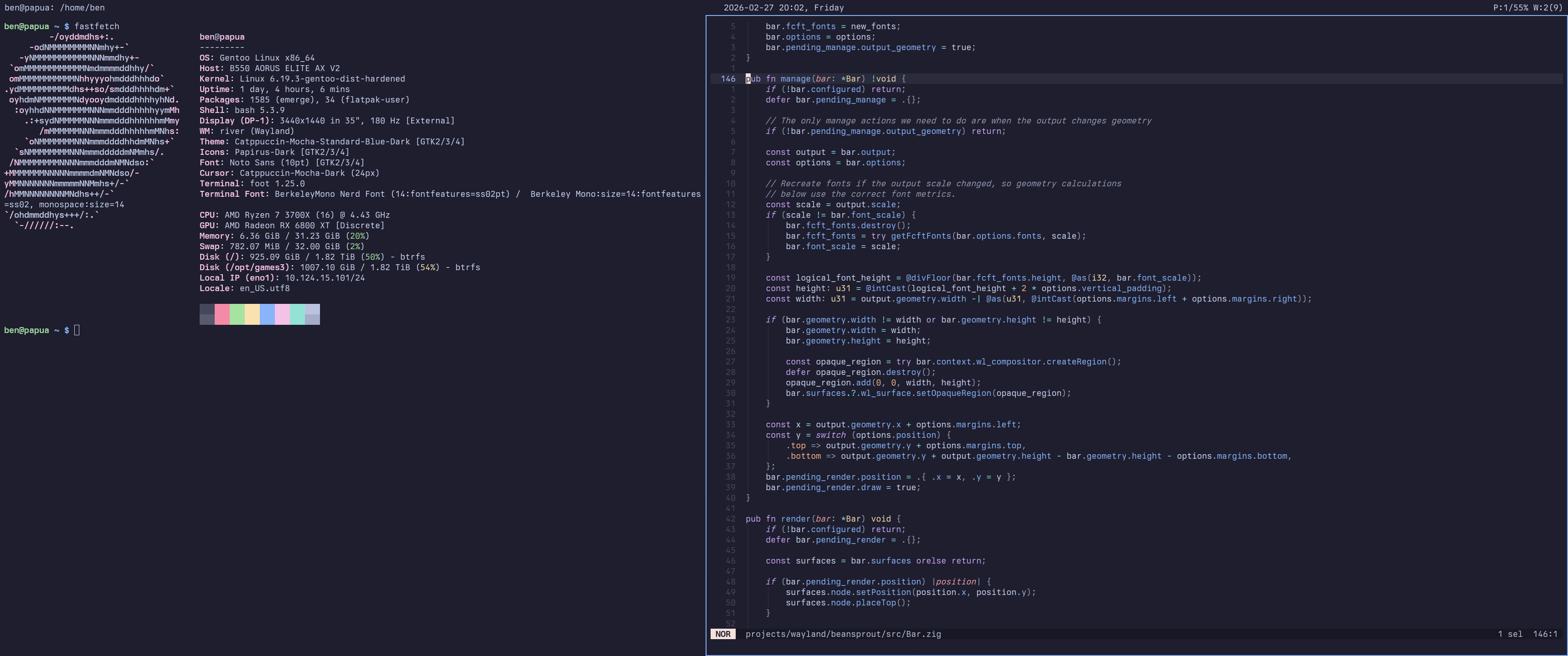
Overview
A tiling window manager for the river Wayland compositor written in Zig. The window manager communicates using the river-window-management-v1 protocol, as well as some of River's additional Wayland protocols.
Beansprout uses a primary/stack tiling layout inspired by dwm with a customizable ratio and primary count. Similarly, beansprout has a 32-bit tag system, rather than workspaces. Each output has its own tags and own primary count/ratio.
Building
Requires Zig 0.15.1 or later.
Dependencies
To compile beansprout, you'll need the dependencies found below. I've listed the package names for Gentoo and Debian/Ubuntu, but they likely exist on all major distros.
Needed at both build-time and runtime:
| Dependency | Gentoo Name | Debian/Ubuntu Name |
|---|---|---|
| wayland-client | dev-libs/wayland |
libwayland-dev |
| pixman | x11-libs/pixman |
libpixman-1-dev |
| xkbcommon | x11-libs/libxkbcommon |
libxkbcommon-dev |
| fcft | media-libs/fcft |
libfcft-dev |
Only needed at build-time:
| Dependency | Gentoo Name | Debian/Ubuntu Name |
|---|---|---|
| wayland-protocols | dev-libs/wayland-protocols |
wayland-protocols |
Optional (for building man pages):
| Dependency | Gentoo Name | Debian/Ubuntu Name |
|---|---|---|
| scdoc | app-text/scdoc |
scdoc |
Note for Gentoo Users
Beansprout is available in my personal ebuild repo and in GURU.
Build
Build and install with:
zig build -Doptimize=ReleaseSafe --prefix ~/.local install
Run zig build -h to see a list of all options.
Usage
You can either add beansprout to the river init file or directly run river -c beansprout.
If no keybinds are configured (e.g. missing or broken config), beansprout provides
fallback keybinds including Ctrl+Alt+Delete to exit the River session, Super+Shift+R
to reload config, and Super+T to spawn a terminal.
If beansprout crashes, you can use River's hardcoded Ctrl+Alt F1–F12 bindings to
switch to another TTY. From there, you can kill River or restart beansprout (you will
need to set WAYLAND_DISPLAY yourself, e.g. WAYLAND_DISPLAY=wayland-1 beansprout).
Configuration
Beansprout is configured with a KDL file at
$XDG_CONFIG_HOME/beansprout/config.kdl. See docs/CONFIGURATION.md
for a full reference and examples/config.kdl for an example config.
Licensing
This project follows the REUSE Specification,
all files have SPDX copyright and license information and/or are listed under
REUSE.toml.
In overview:
- beansprout's source code is released under the GPL-3.0-only license.
- beansprout's documentation is released under the CC-BY-4.0 license.
- beansprout's examples are released under the CC0-1.0 license.
All licenses can be found under LICENSES